Managing Employee Iqamas and Work Permits: Renewal Order and Employer Duties
Employee iqamas and work permits: the Qiwa permit comes before the iqama, the 180-day window, the red Nitaqat block, and per-employee documents in Warqa.
Three weeks before an accountant's iqama expires, the HR officer opens Muqeem to renew it and cannot. The problem is not the iqama; it is the work permit, which has not been renewed yet. When he tries to renew the work permit, he hits a second obstacle: the company moved into the red Nitaqat band this month. The date had been known for a year, but the correct order of steps was never written down anywhere.
Managing employee iqamas looks like one task, but it is really a chain of steps, each with its own condition. This article walks through that chain as it applies to the employer, then sets out a practical way to organize each employee's documents in Warqa so reminders arrive while there is still time to act on the whole chain.
Renewal is the employer's job
The iqama belongs to the employee, but renewing it is the employer's work. The company renews its employees' iqamas through Muqeem or Absher Business and pays the fees and any late fine before the renewal goes through. So it makes no sense to leave iqama tracking to the employee on the grounds that it is a personal document: the delay is recorded against the company, and the late fine grows on repeat.
The responsibility is even clearer with the work permit, which is an obligation between the company and the Ministry of Human Resources and Social Development, handled through Qiwa. Its renewal depends on the company's Nitaqat standing, which the employee usually knows nothing about.
The order of steps before renewing an iqama
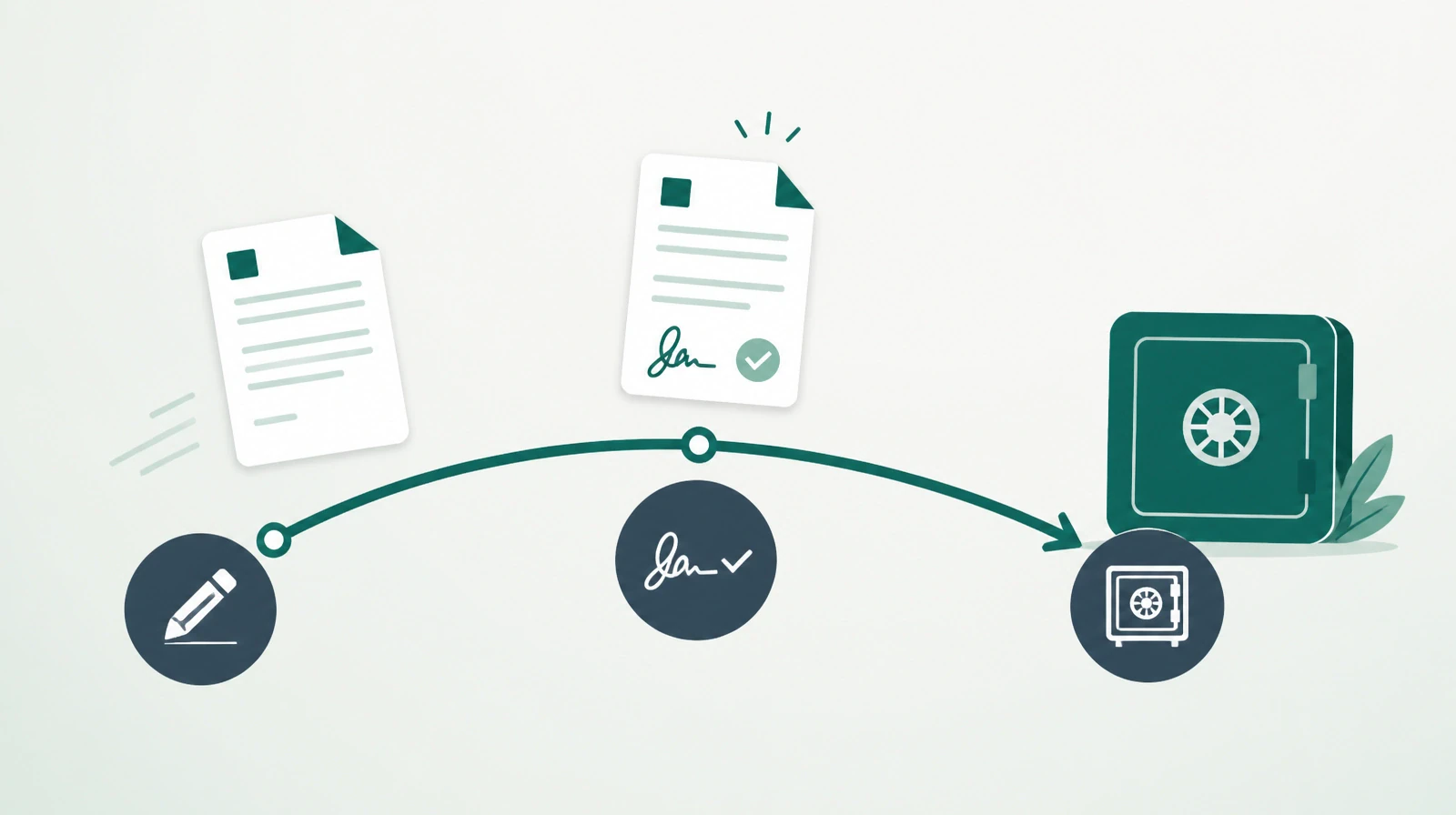
The chain below is based on the conditions the ministry publishes for its work permit renewal service. The order matters, because each step depends on the one before it:
- Check the company's Nitaqat band. Work permit renewal is not allowed for a company in the red band, so the company's Nitaqat standing deserves a look before the renewal season, not on renewal day.
- Confirm the employee is staying. A work permit cannot be canceled once issued. If the employee is about to leave, or their contract is under review, settle that before renewing, not after.
- Renew the work permit in Qiwa. Renewal opens 180 days or less before the permit expires. That gives the company a window of about six months, so there is no reason to wait for the final weeks.
- Renew the iqama. Once the work permit is renewed, the employer renews the iqama through Muqeem or Absher Business, after paying the fees and any fine due.
In practice, this means a useful reminder does not arrive a few days before the iqama expires. A useful reminder arrives when the chain still has room for every step, including the chance of finding a Nitaqat problem that takes weeks to fix.
What changes as headcount grows
In a company with five resident employees, one person can remember every date. In a mid-sized company with about 40 resident employees, each one typically has an iqama, a work permit, medical insurance and a passport, and perhaps a driving license if the job needs one. That comes to more than 150 documents, each with its own expiry date.
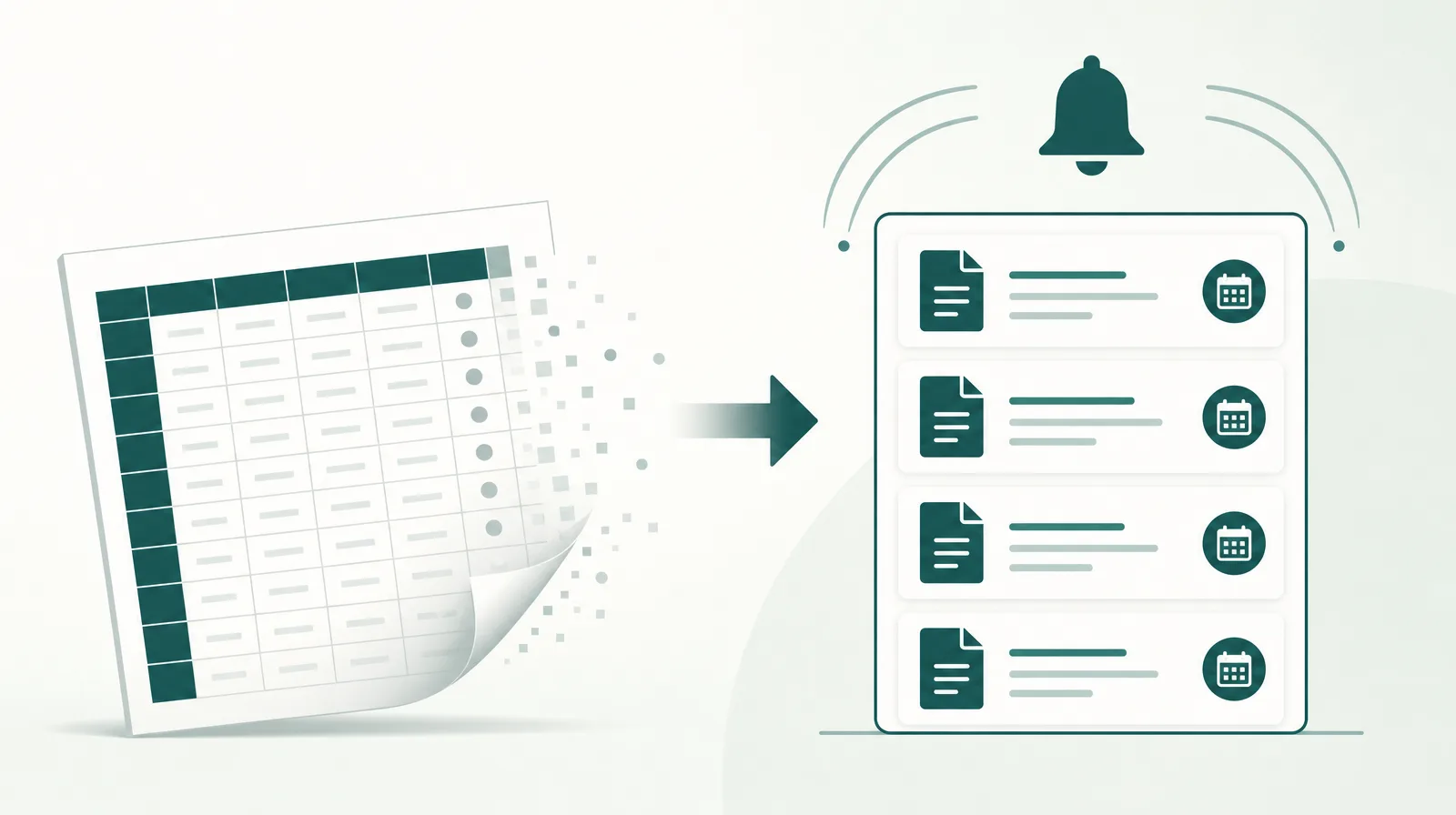
Those dates do not cluster in one month. They spread across the year according to when each employee joined. So there is no single renewal season to prepare for, only a steady stream of dates that needs weekly attention. Every hire and every departure changes that stream, which is exactly where any spreadsheet that is not updated daily starts to erode.
Organizing each employee's documents in Warqa
The setup below suits most companies and can be adjusted to fit their structure.
One folder per employee
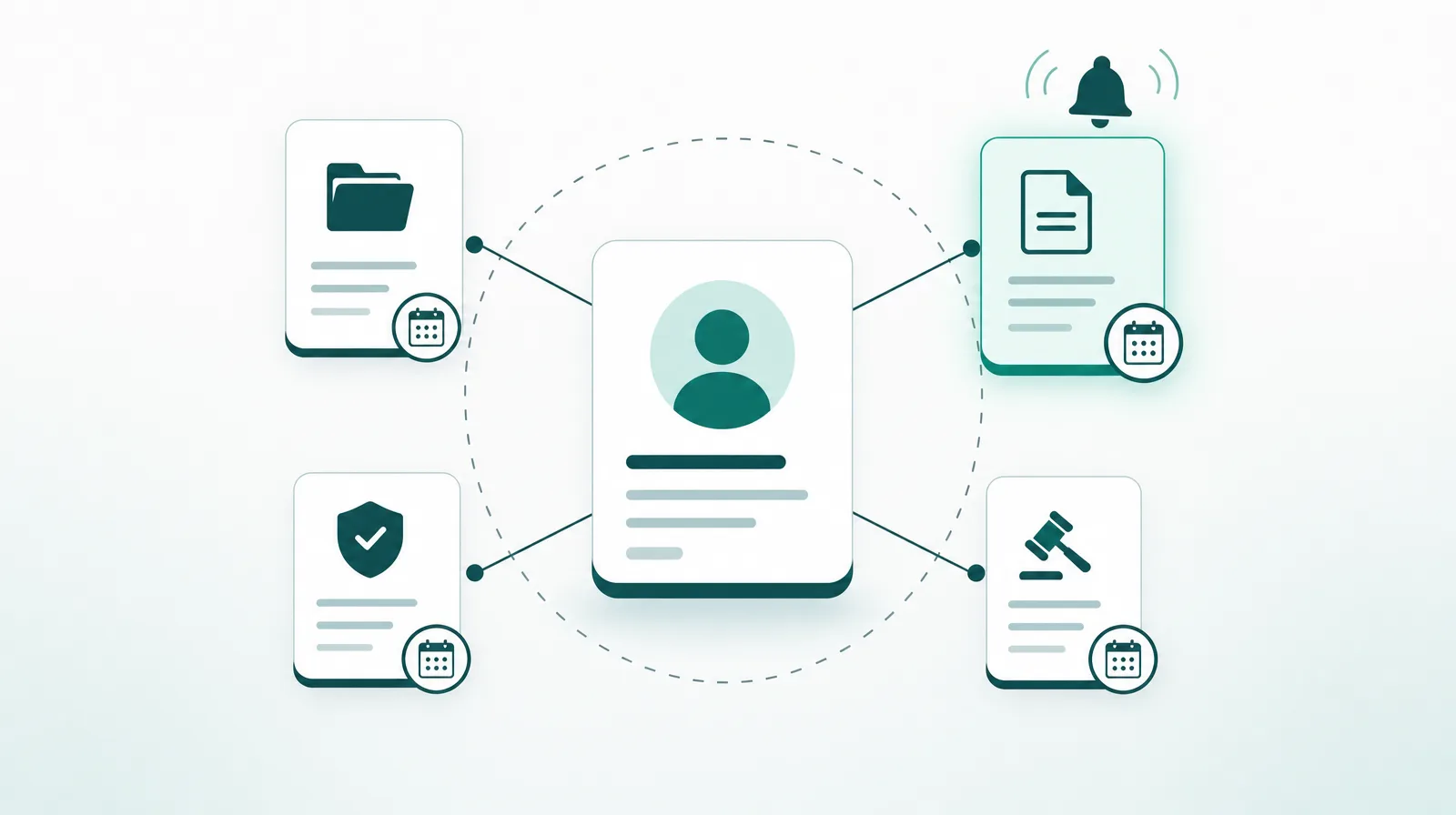
Start with a main folder called Employees, and inside it one folder per employee, named with their name and staff number. The employee's documents are recorded in that folder as government documents. Warqa's government document types come ready with iqama, work permit, medical insurance, passport and driving license, and the list can be edited or extended to fit the company.
Each document has an issue date, an expiry date and an attached image. Because the text inside the image is read automatically, searching by iqama or passport number works later, as explained in When the Archive Becomes Searchable.
Who gets the reminder
The HR manager is the sponsor of the main Employees folder. Since Warqa reminders also go to sponsors of parent folders, the HR manager receives the reminder for every document of every employee without being named on each one. A line manager can be added as a follower on their team's documents, so they hear early about what is coming due in their team and can settle whether an employee is staying before the work permit is renewed.
Every sponsor gets a weekly digest of their items on Sunday, the first day of the work week. That is often enough to turn tracking into a short weekly meeting instead of a series of surprises.
When the reminder arrives
Each document's reminder in Warqa is set a number of days before its expiry date, as the company chooses. If none is set, the system uses the default lead time configured by the administrator, which is 25 days unless changed. That default is short for work permits and iqamas, because the whole chain may not fit into it. A better setup is a work permit reminder at least two months before expiry, and an iqama reminder after it with enough time to complete the renewal.
Privacy
Passport and iqama images are sensitive personal data. Permissions in Warqa are set by document type and folder, so only people who need employee folders can see them. The most sensitive documents can be marked confidential, so they are shown only to people with confidential view.
What the system does not do
Warqa does not connect to Muqeem, Absher Business or Qiwa. The company enters each document's data itself; the system handles reminders and shows status, while the renewal itself happens on the government platforms. So every renewal needs one small final step: record it in Warqa with the renew action, along with the new expiry date and the document image. Otherwise the old document keeps showing as about to expire.
Warqa uses Gregorian dates. If the date you have is Hijri, convert it to Gregorian when entering it, and check the conversion once, because a one-day error can cost you the reminder at the right time.
Monthly checklist for the HR officer
- Review the government documents dashboard: what expires within 30 days, what is overdue, and the next five documents to expire.
- Check the company's Nitaqat standing before any renewal planned in the next two months.
- Confirm the staying decision for every employee whose work permit will be renewed, since a permit cannot be canceled once issued.
- Record every document renewed this month with its new date and image.
- Add documents for new hires and update the status of documents for people who left.
- Export the expiry report to Excel for anyone in management who needs it.
Employee documents are part of wider company-level obligations, such as the commercial registration confirmation and the municipal license, covered in Tracking Government Licenses. What happens when these dates slip is set out in The Real Cost of a Missed Renewal.
To build your employee document registry in Warqa and set up its reminders, contact the team.